← All apps
iPhone & iPad

Plain and Simple Toddler
Eleven quiet things for a small child to do. Nothing collected.
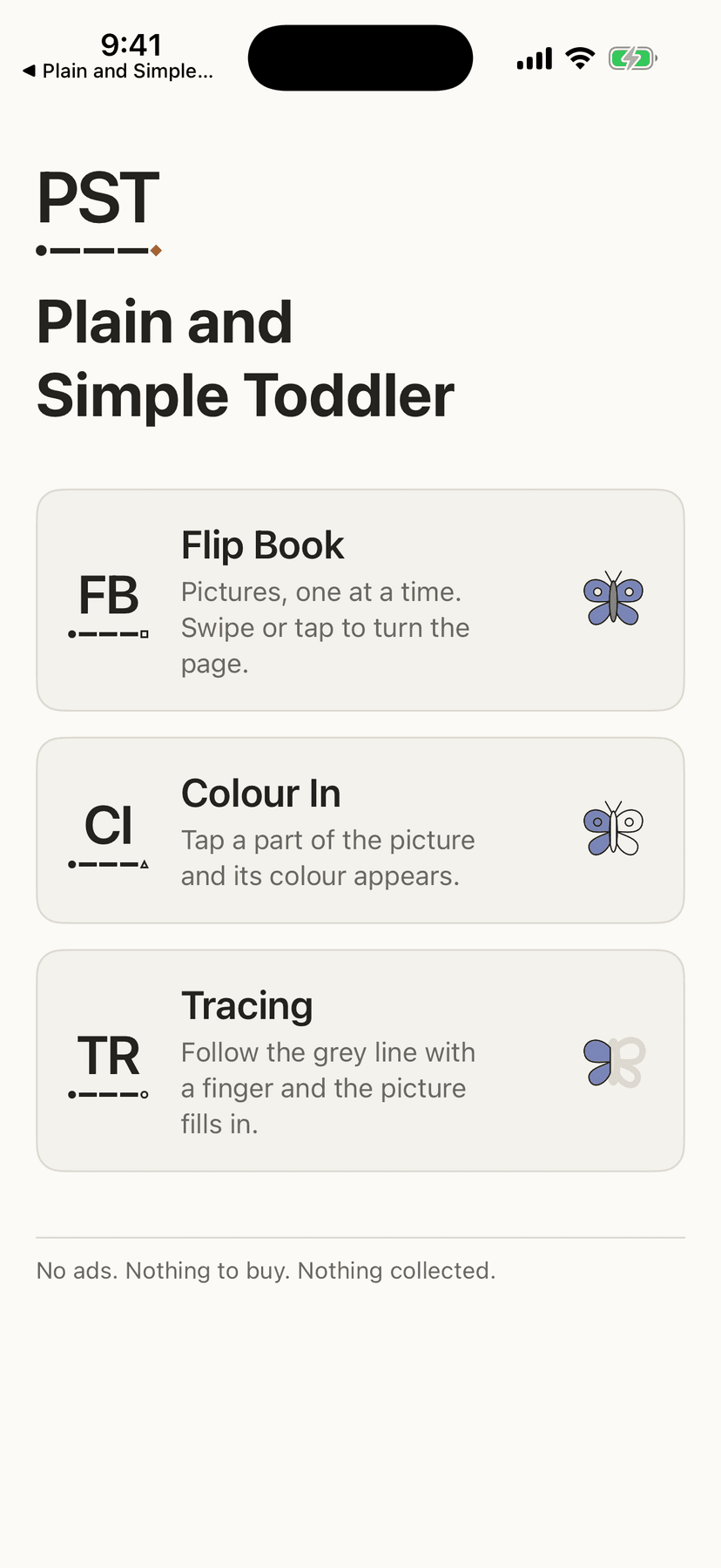
- Eleven quiet activities a small child can work alone — Flip Book, Sticker Scene, Tap, Colour In, Which One?, Find the Pair, Shadows, Quiet Sort, Big and Small, Puzzle and Tracing — and none of them can be lost at.
- No adverts, no purchases, no sound, and a lock that is honest about what it can and cannot hold. Rate, Share and More from Plain and Simple sit in Settings behind a grown-up sum.
- Nothing about your child is recorded. No account, no analytics, and no network request of the app's own.
Where your data goesYour own device
Everything it does
Who this is for
For a parent who hands a toddler an iPad and would rather it were quiet. Eleven activities, no adverts, no purchases, no sound at all, and a lock so a small person stays in the one you opened.
It is aimed at roughly one to four years old, and the pictures were drawn for a child who is still learning what things are called. It will not suit you if you want something that teaches to a curriculum, or reports back on how your child is doing — it keeps no record of what they did, on purpose, so there is nothing to report.
How to set it up
- 01Download it and open it. There is nothing to buy, no account to create, and nothing to download after the app itself.
- 02Pick an activity — Flip Book, Sticker Scene, Tap, Colour In, Which One?, Find the Pair, Shadows, Quiet Sort, Big and Small, Puzzle or Tracing — and then a category when the activity uses one. Shapes, flowers, vehicles, diggers, animals, dinosaurs, toys, food, weather, the capital letters, the small letters or the numbers.
- 03Tap the padlock and hand it over. Every control disappears; press and hold the circle in the corner for two seconds to get them back.
- 04If you want them properly stuck in the app, the app will show you how to switch on Guided Access, which is the part of iPhone and iPad that actually does that.
- 05Change what doesn't suit in Settings: colour or black-and-white outlines, how wide the tracing guide is, how many pictures Which One? offers, which Quiet Sort pair to use, whether the picture's name is shown, a gentler pace, and whether the lock engages by itself.
What it does
- A flip book you turn with a tap
- Pictures, one at a time, filling the screen. A tap anywhere turns the page, because a two-year-old taps far more reliably than they swipe. There are no page dots and no counter — nothing that suggests getting to the end is the point.
- Color, or plain black-and-white
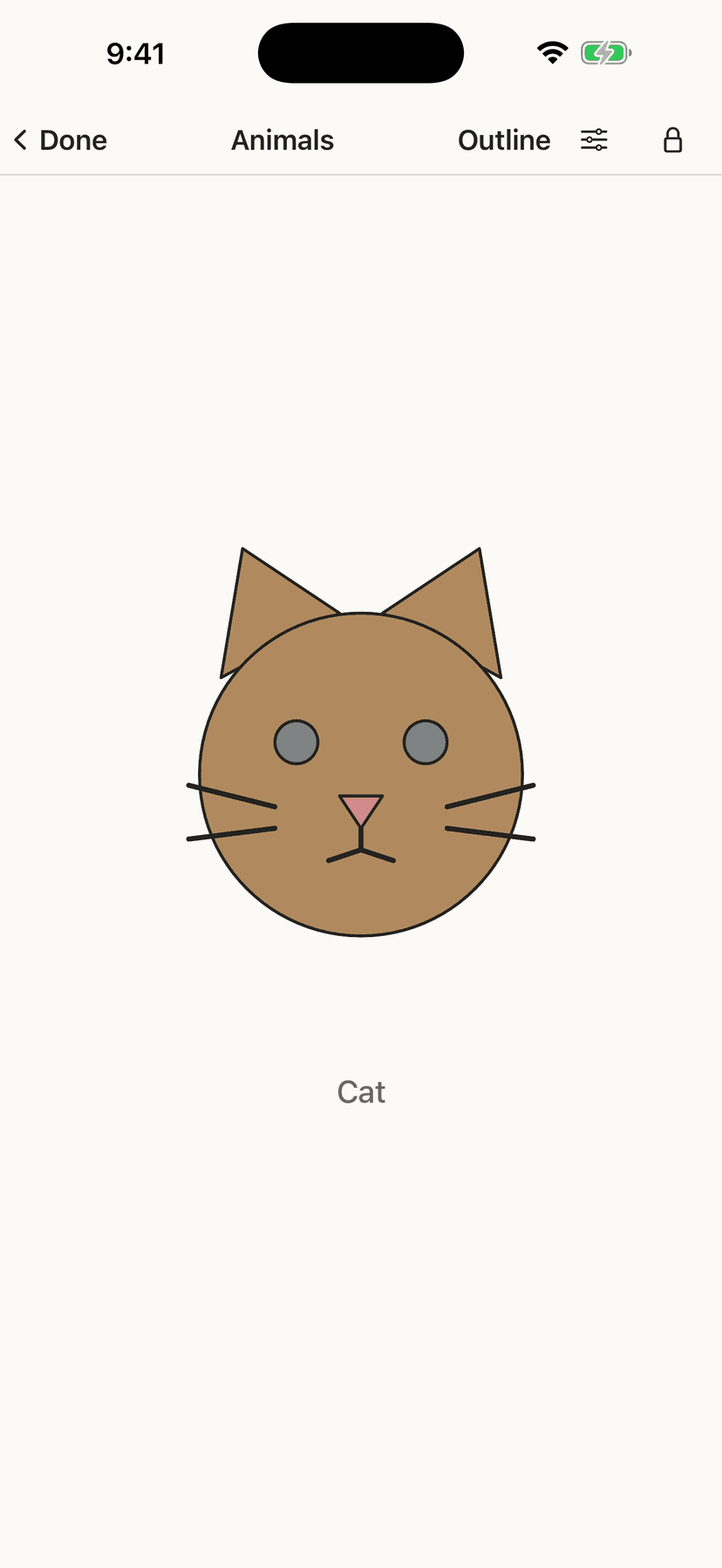
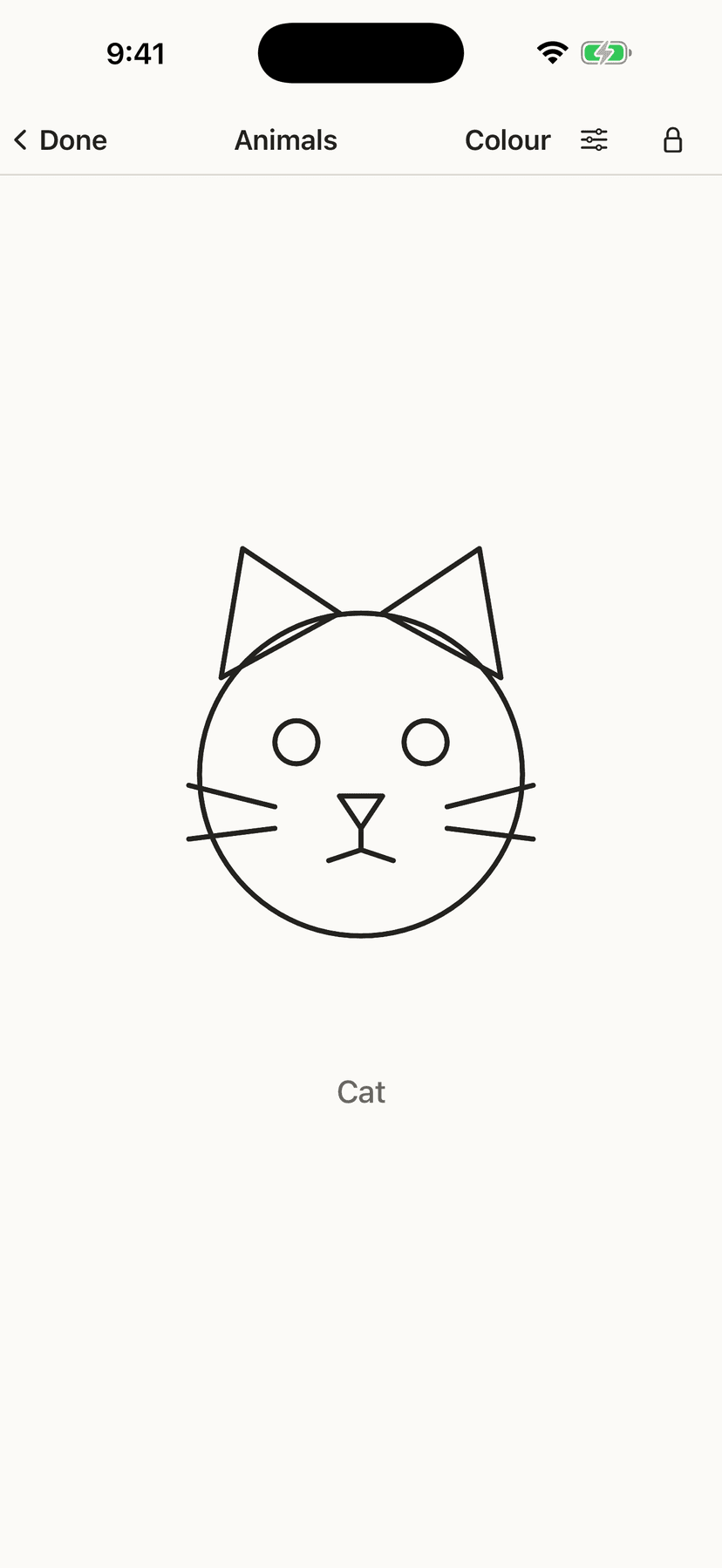
- Every picture can be shown in colour, or as plain black-and-white line art. The outline mode is the reason the app exists, for a child who finds a page of colour too much, and it is one tap away without leaving the activity. It is the same drawing either way rather than a second set of pictures.
- A sticker page with nothing to finish
- A tray of pictures and an empty page. Tap one and it lands; drag it about, or drag it back to the tray to take it off. The first square of the tray opens big picture cards for other scenes — bath time, the garden, breakfast and all four seasons — and changing sheet keeps what is already on the page. They are always there: nothing to download, buy or unlock. There is no goal, no end and nothing to get right — it is the one to hand over when there is time to fill. Nothing is saved when the activity closes.
- Tap — pictures that answer
- Pictures that bounce when touched and stay. Nothing finishes. The child leaves when they are ready.
- Colour In, one part at a time
- The picture starts as an outline. A child taps a part and that part's colour arrives. There is no palette — every part already knows its own colour. A near miss still colours the nearest part. Wipe a finger across a part to take the colour off again. Nothing is timed and nothing is marked.
- Which One?
- One picture at the top and a few underneath. A right tap brings that picture's colour. A wrong tap fades and settles back, with one faint tap to feel — no sound, no red mark, no cross, no tally, and the choice they got wrong is never taken away. The faint tap, here and in Shadows and Quiet Sort, belongs to the Small vibrations switch in Settings. How many they choose between is a setting a parent sets.
- Find the Pair
- Four pictures, two of them the same. A wrong tap fades and settles back. Nothing is taken away.
- Shadows
- A dark shape at the top and the pictures underneath. Tap the one that made it, and the shadow fills in. The same kind of question as Which One?, with the colour and the detail taken away.
- Quiet Sort
- One picture and two baskets. Drag the picture into the basket it belongs in, or tap the basket — animals or vehicles, food or weather, whichever pair you chose in Settings, and now there are two three-basket choices as well (food, animals and vehicles; or animals, vehicles and weather). A picture dropped in the wrong basket eases back to the middle. It asks what kind of thing something is, rather than which one looks the same.
- Big and Small
- One picture and two baskets. Is it the big one or the small one? A wrong basket fades and settles back.
- Puzzle
- Two or three pieces of one picture, and a faint outline of the whole. Drag each piece home. A piece that does not land comes quietly back.
- Twelve more pictures
- Grapes, cherries, pumpkin, watermelon, ice cream, pancakes, a puddle, wellies, a mitten, a sun hat, a leaf and a pinwheel. Each is a plain outline with a part to colour, and they turn up in Colour In, Which One?, Shadows, Puzzle and the flip book.
- Picture packs, for a grown-up
- Behind the grown-up sum in Settings, a read-only Picture packs page lists every set of pictures and every sticker sheet in the app. There are no switches, no prices and no links, because there is nothing to buy.
- Tracing that never says you got it wrong
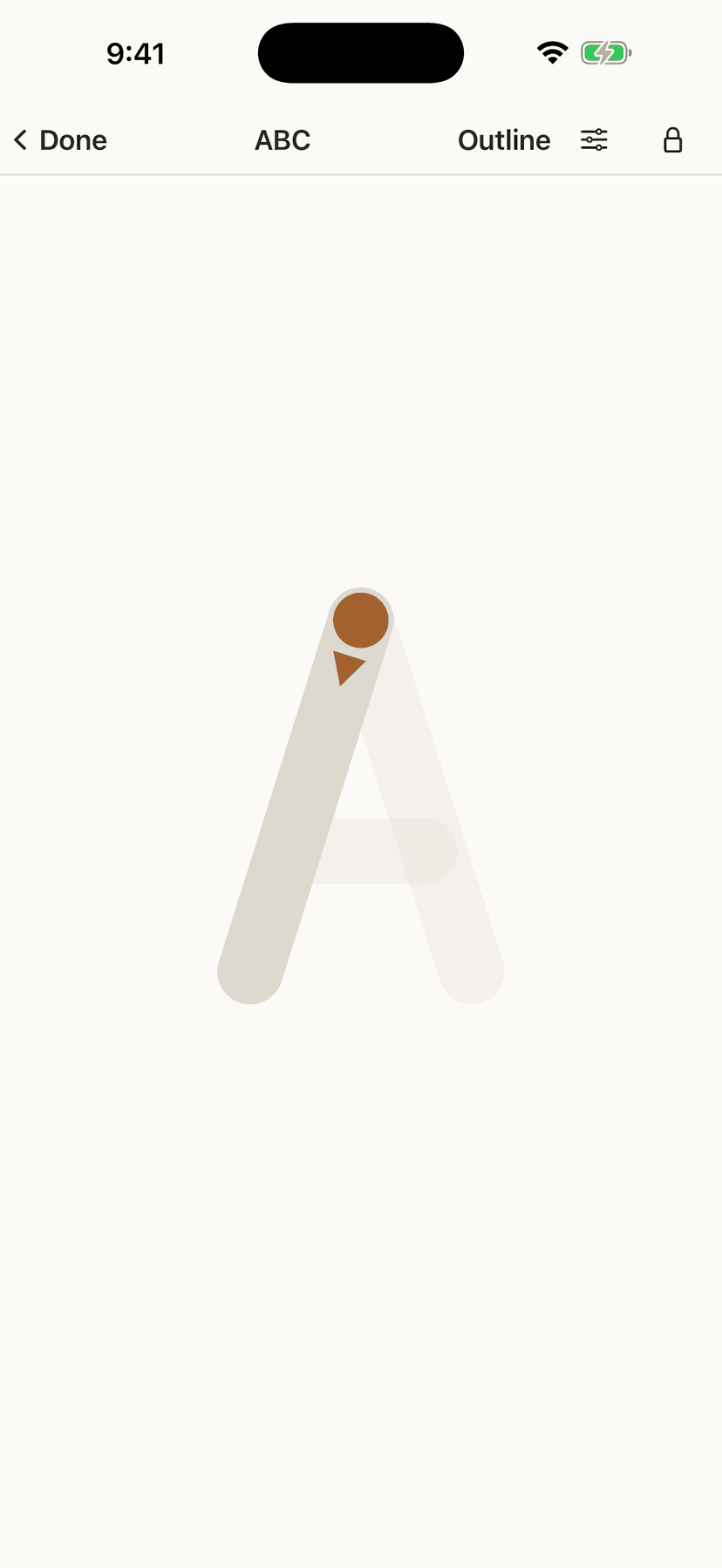
- Follow a light grey line with a finger and the picture fills in as they go. Stray outside and the mark thins and fades rather than turning red — the app never tells a two-year-old they got it wrong. Finish, and the drawing resolves and the app says what they made. That is the whole reward: no score, no stars, no timer, and no sound.
- Letters drawn the way they are taught
- The letters and numbers are drawn as a child is taught to write them — the right strokes, in the right order, in the right direction — rather than traced around the outside of a printed letter. Capital and small letters are each their own book.
- A lock, honest about its limits
- The lock hides every button and takes a deliberate two-second hold to release. It is honest about its limits: it cannot stop a child swiping home, because no app can, so it explains Guided Access instead and then stops mentioning it once that is on.
- Nothing about your child is recorded
- Nothing about your child is recorded — not which pictures they finished, not how long they spent, not anything. There is no account, no analytics, no third-party code, and no network request of the app's own. Settings live on your device and in your own iCloud. Rate, Share and More from Plain and Simple are behind the parental gate on Settings; there is still no Plain and Simple server.