Steps Into HA
Puts your step count on your own Home Assistant dashboard.
Nothing here
no account · no server · no one in between
Nothing here
no account · no server · no one in between
Who this is for
For people who already run Home Assistant at home and want their step count on the dashboard beside everything else. The usual reason is a family step chart that keeps itself up to date.
It assumes two things: an iPhone that records steps in Apple Health, and a Home Assistant your phone can reach. If you don't run Home Assistant, this one has nothing to send to.
How to set it up
- 01In Home Assistant, open HACS → ⋮ → Custom repositories, paste https://github.com/youcha-agent/steps-into-ha-integration, and choose Integration as the category.
- 02Find Steps Into HA in HACS, click Download, then restart Home Assistant.
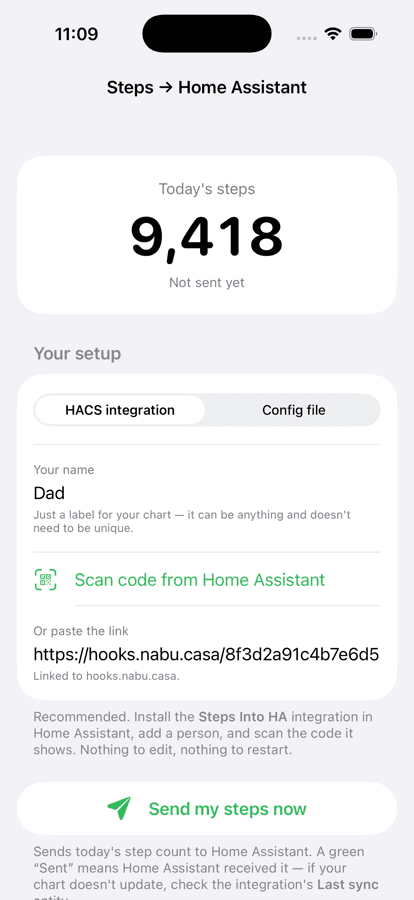
- 03Go to Settings → Devices & Services → Add Integration → Steps Into HA and add a person. Home Assistant creates a private webhook for them and shows a QR code — or the address and webhook ID as text, if the camera isn't available.
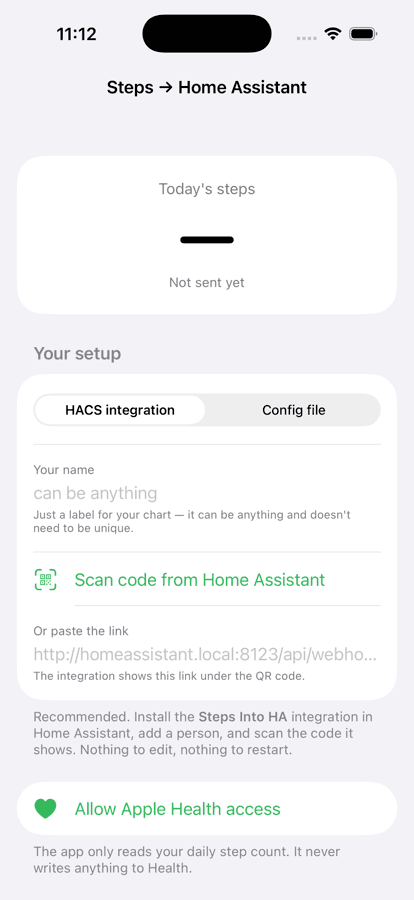
- 04Open the app on that person's iPhone, allow Health access, and scan the code. That is the whole setup — no YAML, and no addresses typed by hand. Add a person in Home Assistant for each phone in the house; each one gets its own webhook and its own sensor.
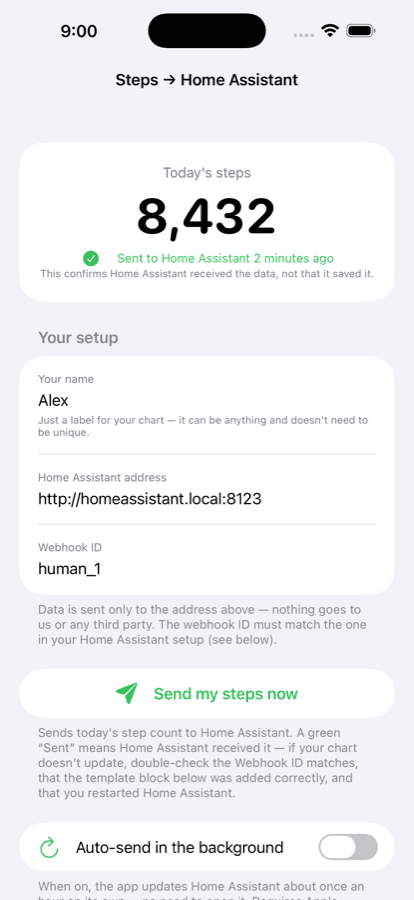
- 05If you would rather not install the integration, the app's setup screen has a second route: add a template block to configuration.yaml yourself and enter the address. Pick between them with the segmented control.
- 06Switch on automatic sending, and you never have to open the app again.
What it does
It reads your daily step count from Apple Health and sends it to your own Home Assistant, where it becomes an ordinary sensor you can chart, compare between people, or build automations on.
The integration is the half that runs inside Home Assistant: it creates the private webhook for each person, keeps their sensors separate without you naming anything twice, and never lets any of it leave the machine. It's open source under the MIT licence, like the app.
Left alone, it runs quietly in the background about once an hour. iOS decides when background work actually happens, so hourly is the target rather than a promise — Send my steps now always works immediately.
The only network request the app ever makes is to the Home Assistant address you entered. That's usually a machine on your own home network.